

WordPress is powerful—but even a small error can break your website, slow it down, or confuse visitors. The good news? Most WordPress errors have quick and simple fixes if you know where to look.
At WPDelta, we troubleshoot WordPress issues daily. Below are 12 common WordPress errors and their quick fixes to get your site back on track fast.
1. White Screen of Death (WSOD)
Problem: Blank white screen with no error message.
Quick Fix:
- Disable all plugins
- Switch to a default theme
- Increase PHP memory limit
2. Error Establishing a Database Connection
Problem: WordPress can’t connect to the database.
Quick Fix:
- Check database credentials in wp-config.php
- Contact your hosting provider
- Repair the database
3. Internal Server Error (500 Error)
Problem: Server configuration issue.
Quick Fix:
- Rename .htaccess file
- Increase PHP memory limit
- Re-upload core WordPress files
4. WordPress Stuck in Maintenance Mode
Problem: Site remains in maintenance mode after update.
Quick Fix:
- Delete the .maintenance file via FTP or file manager
5. Login Page Refreshing or Redirecting
Problem: Can’t log in to WordPress admin.
Quick Fix:
- Clear browser cookies
- Rename plugins folder
- Update site URL in database
6. 404 Errors on Posts or Pages
Problem: Pages not found.
Quick Fix:
- Go to Settings → Permalinks and save changes
- Regenerate .htaccess file
7. Image Upload Issues
Problem: Images won’t upload or show broken links.
Quick Fix:
- Check folder permissions
- Reduce image file size
- Update PHP version
8. Syntax Error in WordPress
Problem: Site crashes after code edit.
Quick Fix:
- Undo recent code changes
- Fix missing brackets or semicolons
- Restore from backup
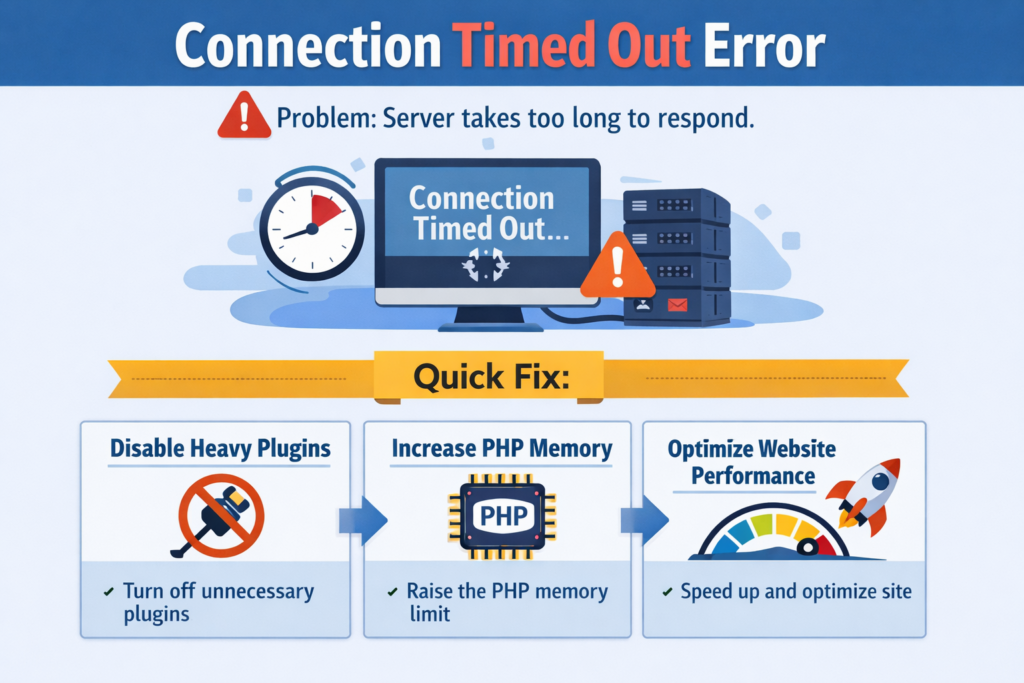
9. Connection Timed Out Error
Problem: Server takes too long to respond.
Quick Fix:
- Disable heavy plugins
- Increase PHP memory
- Optimize website performance
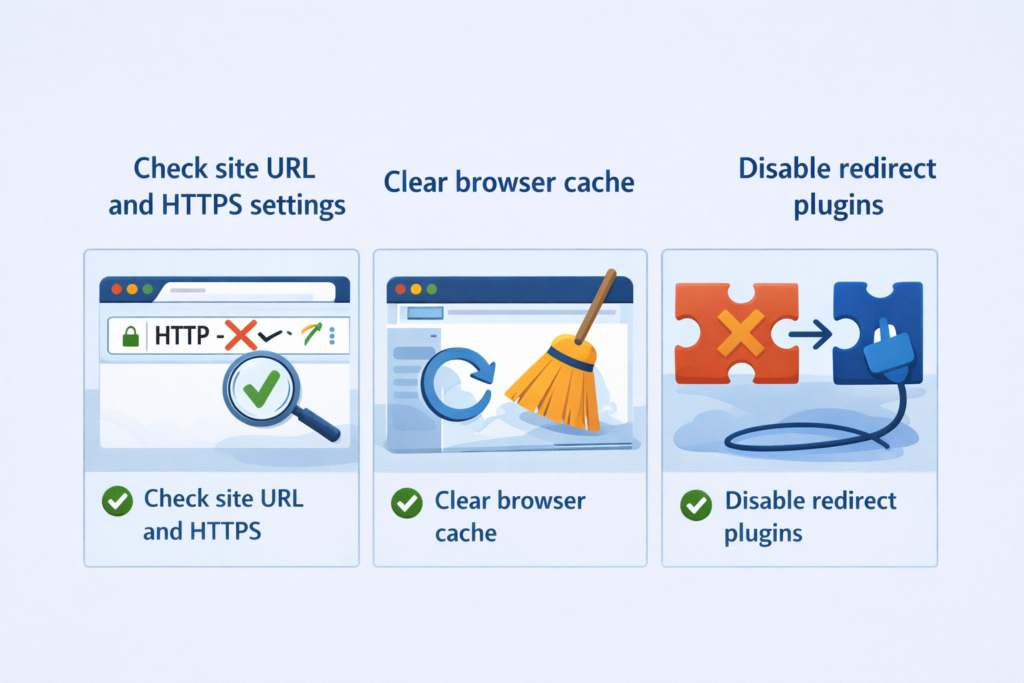
10. Too Many Redirects Error
Problem: Endless redirect loop.
Quick Fix:
- Check site URL and HTTPS settings
- Clear browser cache
- Disable redirect plugins
11. WordPress Email Not Sending
Problem: Contact forms or notifications not working.
Quick Fix:
- Configure SMTP plugin
- Verify sender email address
12. Update Failed / Publishing Failed Error
Problem: Can’t update posts or plugins.
Quick Fix:
- Check REST API issues
- Increase PHP limits
- Fix file permissions
Final Thoughts
Most WordPress errors look scary—but they’re usually easy to fix when you know the cause.
If you experience frequent issues, it’s often a sign of:
- Poor hosting
- Plugin conflicts
- Missing maintenance
At WPDelta, we offer fast WordPress error fixing, optimization, and ongoing maintenance—so your site stays stable and secure.
FAQs
Why do WordPress errors happen?
WordPress errors usually occur due to plugin conflicts, theme issues, server misconfigurations, outdated software, or incorrect settings.
Can I fix WordPress errors without technical skills?
Yes. Many common WordPress errors can be fixed using basic steps like disabling plugins, resetting permalinks, or clearing cache.
What is the most common WordPress error?
The White Screen of Death, 500 Internal Server Error, and database connection errors are among the most common WordPress issues.
Do WordPress errors affect SEO?
Yes. Frequent errors can cause downtime, slow performance, and crawling issues, which negatively impact SEO rankings.
Can WPDelta fix WordPress errors professionally?
Yes. WPDelta offers fast WordPress error fixing, troubleshooting, performance optimization, and ongoing maintenance services.