


Going multilingual is no longer optional — it’s a growth move. Whether you’re targeting international customers, local bilingual audiences, or expanding into new markets, a multilingual website helps you reach more people, build trust, and improve conversions.
With WordPress, creating a multilingual website is easier than ever — if you follow the right approach.
Here are 6 essential tips to build a multilingual WordPress website the smart way.
1. Choose the Right Multilingual Plugin
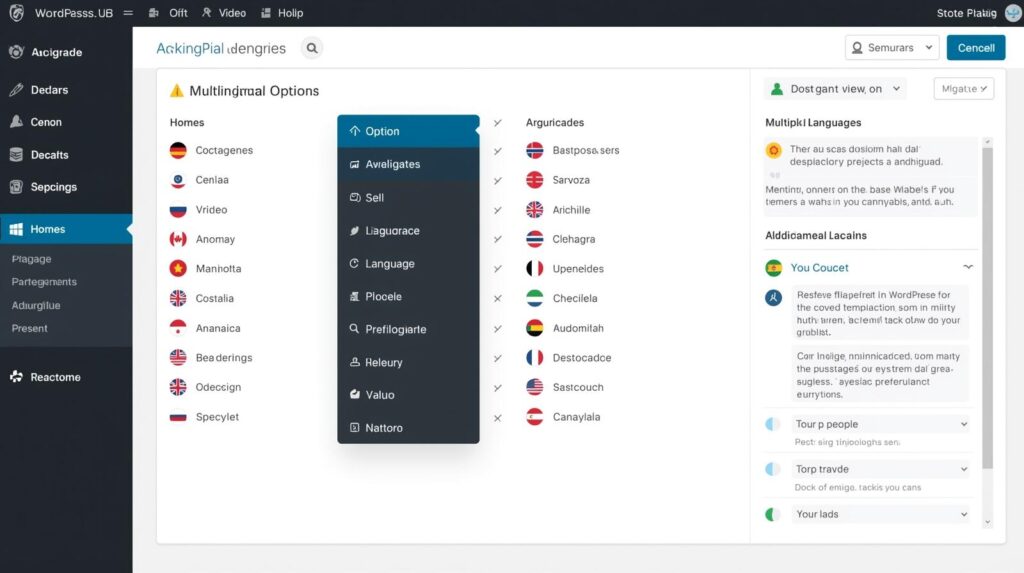
Not all multilingual plugins work the same way. Some create separate URLs for each language, while others translate content dynamically.
Popular approaches include:
- Separate language pages
- Language-specific URLs
- Manual vs automatic translation
Why This Matters
Your plugin choice decides how clean, fast, and SEO-friendly your multilingual site will be. A poor setup can confuse visitors or even duplicate content in Google’s eyes. The right plugin keeps languages organized, easy to manage, and pleasant for users — especially as your site grows.
The right multilingual plugin keeps languages organized and SEO-friendly.
2. Always Use Human-Reviewed Translations
Automatic translation tools are fast, but they’re not perfect. They often miss tone, cultural context, and local expressions.
Why This Matters
Language is about connection, not just words. A translation that sounds robotic can damage trust instantly. When users feel a site wasn’t written for them, they leave. Human review ensures your message feels natural, respectful, and local — which directly impacts credibility and conversions.
Human-reviewed translations build trust with global audiences.
3. Optimize Each Language for SEO Separately
Multilingual SEO isn’t just about translating words — it’s about optimizing search intent per language.
This includes:
- Language-specific keywords
- Translated meta titles and descriptions
- Correct URL structures
Why This Matters
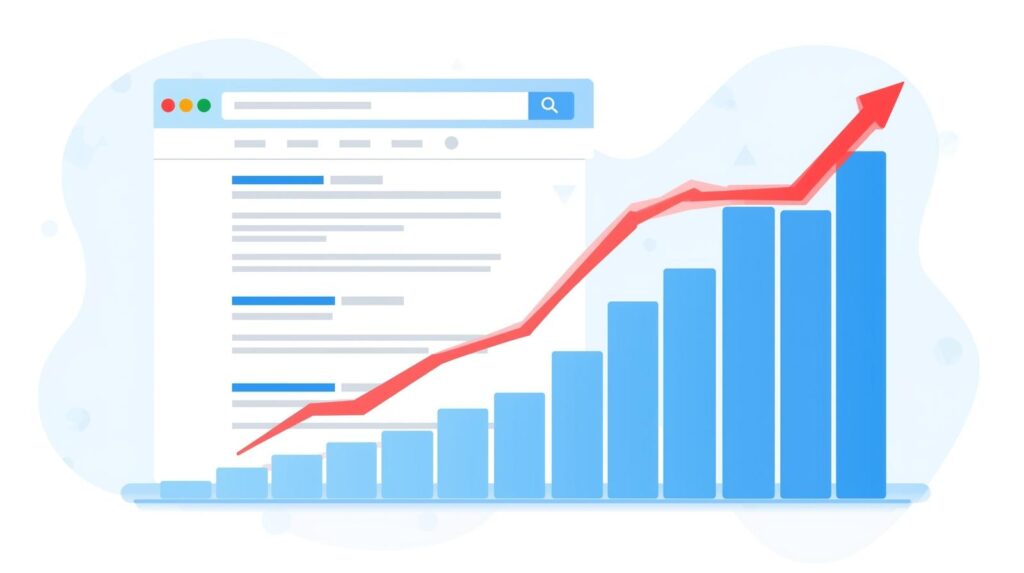
People search differently in different languages. If you rely on direct translations, you miss real search opportunities. Proper multilingual SEO helps each language version rank independently, bringing targeted traffic instead of just translated content.
Each language deserves its own SEO strategy.
4. Use Clear Language Switchers for Users
Visitors should be able to switch languages instantly — without confusion.
Best practices:
- Place switchers in header or menu
- Use language names or flags clearly
- Avoid hiding language options
Why This Matters
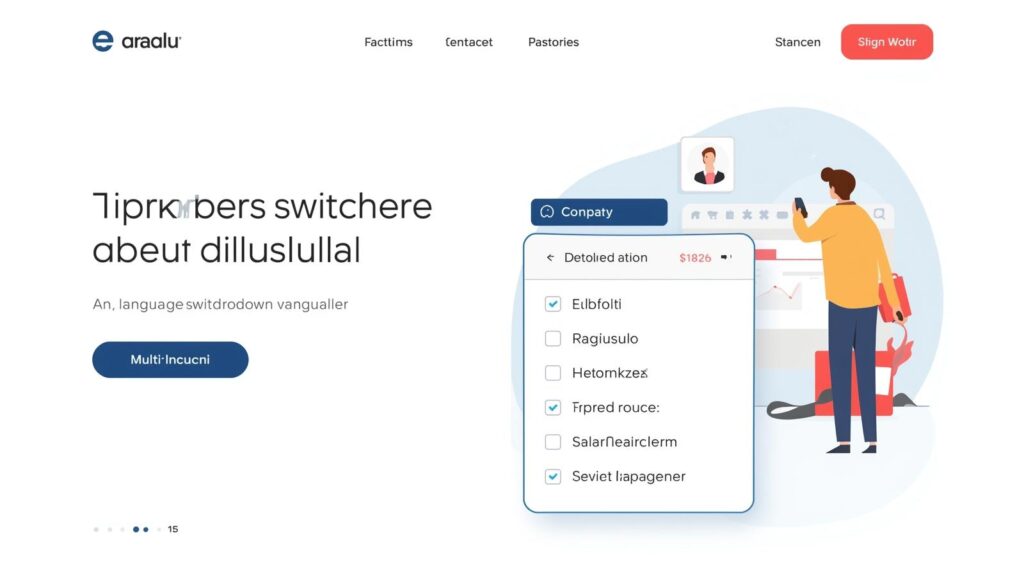
If users can’t find their language easily, they won’t stay. A visible language switcher respects user choice and improves navigation. It’s a small detail that makes your site feel welcoming instead of frustrating.
Clear language switchers improve user experience instantly.
5. Translate Navigation, Forms, and System Text
Many sites translate pages but forget menus, buttons, forms, error messages, and checkout text.
Why This Matters
Nothing breaks trust faster than a half-translated website. When buttons or forms remain in another language, users hesitate — especially during signups or payments. A fully translated experience feels professional and reliable, not rushed.
Fully translated menus and forms create confidence.
6. Test Performance and Mobile Experience in All Languages
Multilingual sites can become heavy if not optimized properly.
Always test:
- Page speed per language
- Mobile layouts
- Font compatibility
Why This Matters
A site that loads fast in one language but slow in another creates an uneven experience. Mobile users are especially sensitive to speed and layout issues. Testing ensures every visitor — no matter the language — gets the same smooth experience.
Performance testing ensures smooth experience across languages.

FAQs
Can WordPress handle multilingual websites easily?
Yes. With the right plugins and setup, WordPress can manage multiple languages smoothly without hurting performance or SEO.
Are multilingual WordPress websites good for SEO?
Absolutely. When each language is optimized separately, multilingual sites can rank in multiple regions and languages.
Is automatic translation enough for a multilingual site?
Automatic translation is helpful, but human review is strongly recommended to ensure accuracy, tone, and trust.
Do multilingual websites slow down WordPress?
They can if poorly configured. Proper optimization keeps multilingual sites fast and responsive.
Can WPDelta build a multilingual WordPress website?
Yes. WPDelta creates SEO-friendly, performance-optimized multilingual WordPress websites tailored to business needs.
Final Thoughts
A multilingual website isn’t just about translation — it’s about experience, clarity, and trust. When done right, it opens doors to new audiences and long-term growth.
At WPDelta, we help businesses build multilingual WordPress websites that are fast, SEO-friendly, and human-focused — not just machine-translated.