

WordPress is powerful—but most users only scratch the surface. Beyond themes and plugins, WordPress comes packed with hidden features that can save time, improve performance, and make your website easier to manage.
Let’s uncover 7 lesser-known WordPress features that many users overlook—but shouldn’t.
1. Screen Options (Your Dashboard Control Panel)
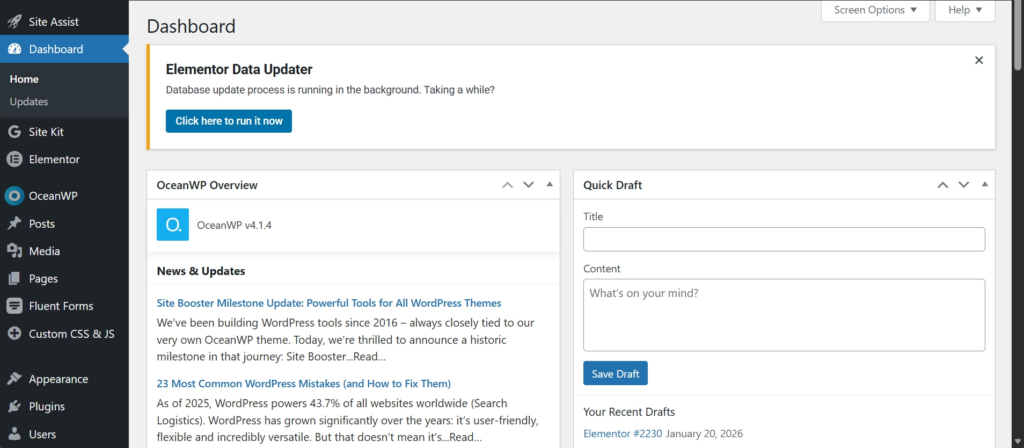
Most users never notice the “Screen Options” tab at the top of the WordPress dashboard. This feature lets you show or hide dashboard widgets, post fields, columns, and admin options—based on what you actually use.
You can customize:
- Post editor fields
- Dashboard widgets
- Admin table columns
- Page and post layout settings
Why This Matters
Your dashboard shouldn’t feel cluttered or confusing. Screen Options allow you to remove distractions and focus only on what’s important. It’s like cleaning your workspace—once everything unnecessary is gone, work becomes faster and less stressful.
Customize your WordPress dashboard to show only what you actually use.
2. Built-in Image Editing (No Photoshop Needed)
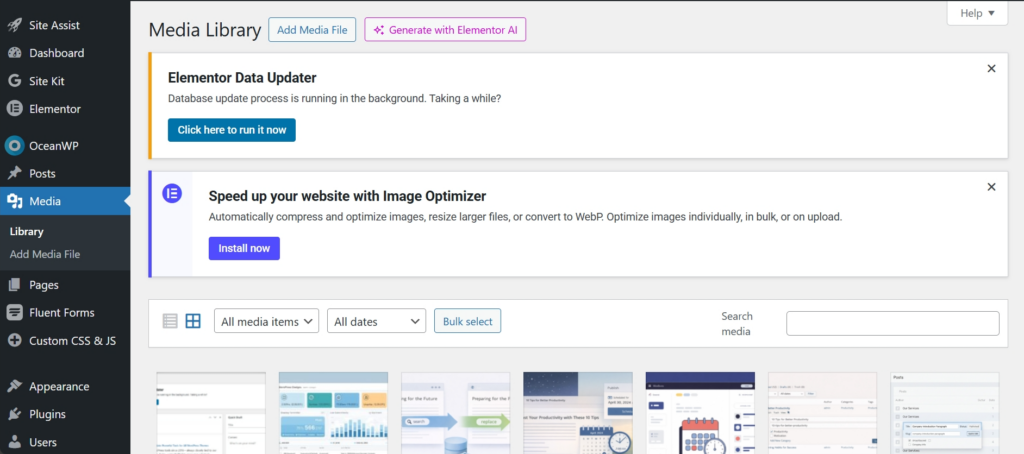
WordPress includes a basic image editor that many users ignore. You can crop, rotate, flip, and scale images directly inside the Media Library.
This is perfect for:
- Quick fixes
- Blog thumbnails
- Featured images
- Minor resizing
Why This Matters
Not every image change needs a designer or external tool. Being able to make small edits instantly saves time and keeps your workflow smooth—especially when publishing content frequently.
Edit images instantly inside WordPress—no extra tools needed.
3. Reusable Blocks (Create Once, Use Everywhere)
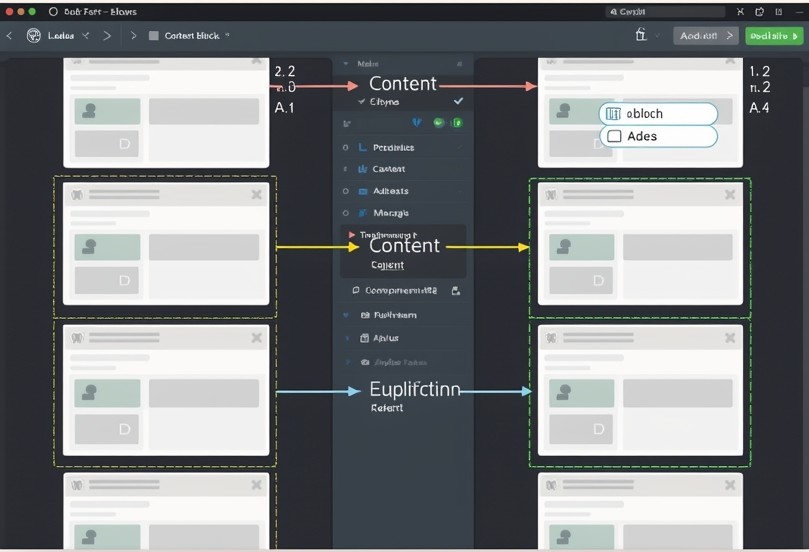
Reusable Blocks allow you to save content blocks—like CTAs, banners, or disclaimers—and reuse them across multiple pages and posts.
Even better?
When you update a reusable block, it updates everywhere automatically.
Why This Matters
If you repeat the same content again and again, reusable blocks prevent mistakes and wasted time. One update, multiple pages fixed. That’s efficiency—something every growing website needs.
Create once. Reuse everywhere. Update globally in seconds.
4. Post Revisions (Your Safety Net)
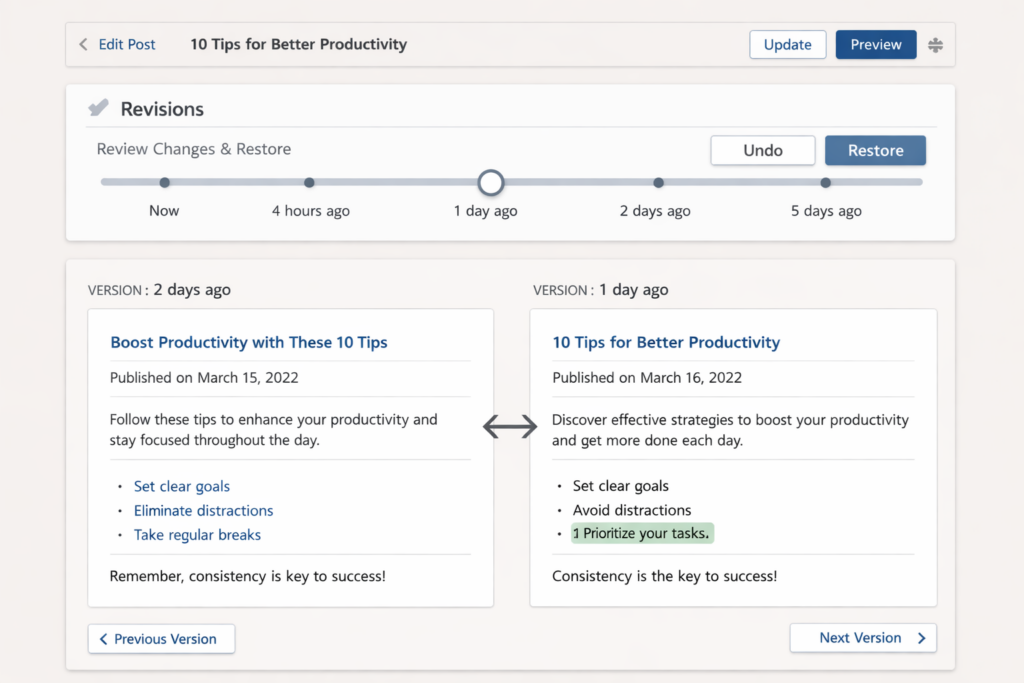
Undo mistakes and restore older versions with confidence.
WordPress automatically saves post revisions, meaning you can restore older versions of your content at any time.
You can:
- Compare changes
- Undo mistakes
- Recover deleted content
Why This Matters
Everyone makes mistakes—especially during edits. Revisions give you peace of mind. You can experiment freely knowing that nothing is permanently lost.
5. Quick Edit (Edit Without Opening the Post)
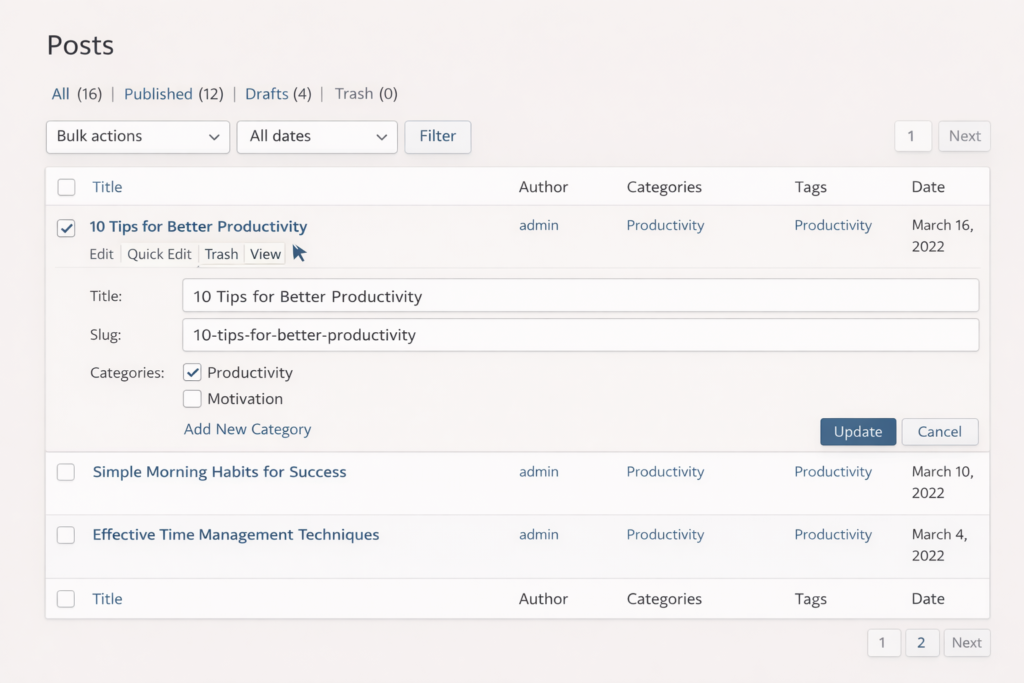
Make fast content changes without opening the editor.
The Quick Edit option lets you modify:
- Titles
- Slugs
- Categories
- Tags
- Publish dates
..…without opening the full editor.
Why This Matters
When managing multiple posts, time matters. Quick Edit helps you make fast changes in seconds, making content management smoother and more efficient.
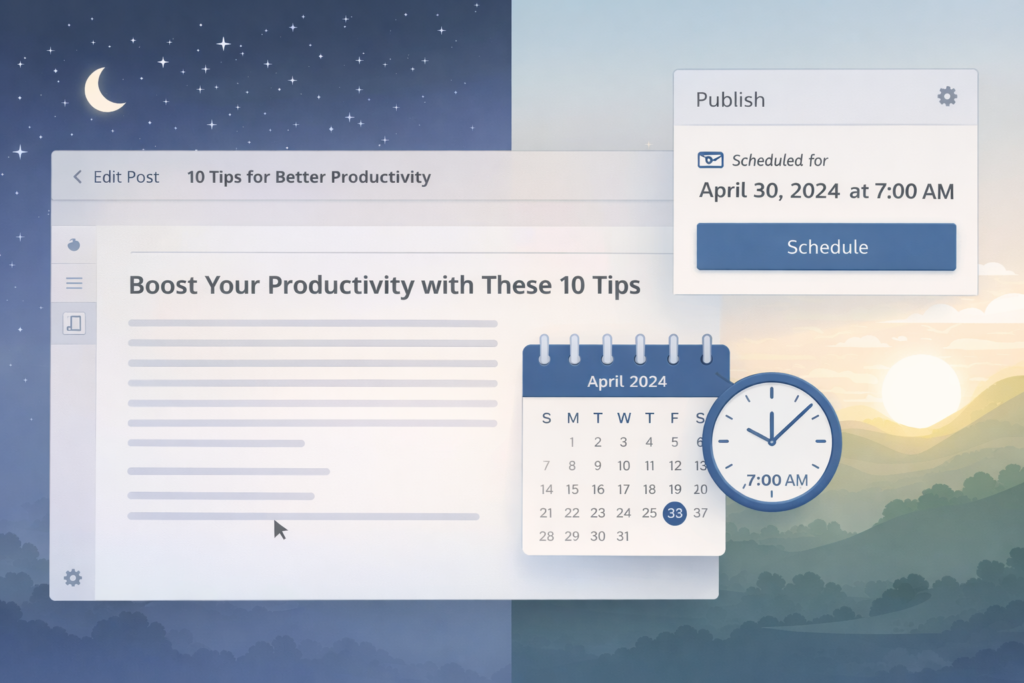
6. Content Scheduling (Post While You Sleep)
You don’t need to publish posts manually. WordPress lets you schedule content to go live at a future date and time.
Perfect for:
- Consistent blogging
- Campaign launches
- Time-zone targeting
Why This Matters
Consistency builds trust. Scheduling allows your website to stay active even when you’re busy, offline, or asleep—helping your brand look professional and reliable.
Plan ahead and publish content automatically—even while offline.
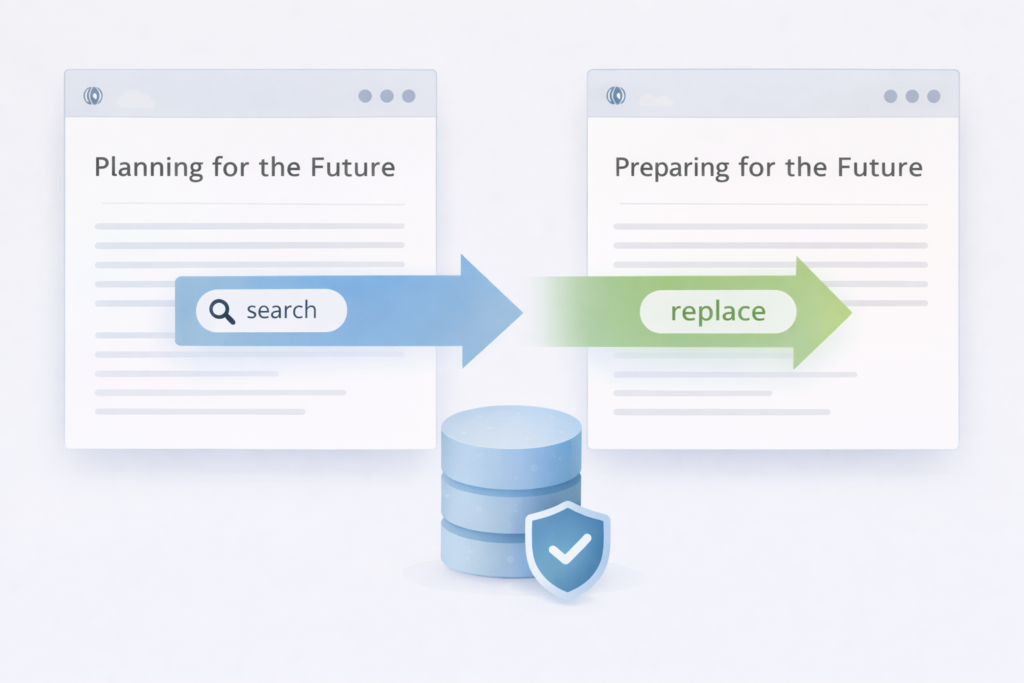
7. Built-in Search & Replace (With Plugins Support)
While WordPress doesn’t include full search-and-replace by default, its database structure allows safe and powerful replacements using trusted plugins—without breaking your site.
This is useful for:
- URL changes
- Domain migration
- Fixing broken links
Why This Matters
Manual changes are risky and time-consuming. Using WordPress’s structured system with proper tools helps you fix site-wide issues safely—without headaches.
Fix site-wide issues safely without manual errors.
FAQs
Why don’t most users know about these features?
Because WordPress keeps the interface simple by default. Many advanced options are intentionally hidden to avoid overwhelming beginners.
Can beginners use these features easily?
Absolutely. Most of these tools require no technical knowledge and are perfect for beginners once explained properly.
Do hidden WordPress features improve performance?
Indirectly, yes. Features like reusable blocks, scheduling, and quick edits save time and help maintain consistent, optimized content.
Will using these features replace plugins?
Can WPDelta help me unlock these features?
Yes. WPDelta helps configure and optimize WordPress so you get maximum value from its built-in capabilities.
Final Thoughts
WordPress is more than just a CMS—it’s a smart platform filled with features designed to make your life easier. Most users miss these tools simply because they don’t know they exist.
At WPDelta, we help users unlock WordPress’s full potential—without complexity.