


Markdown has become extremely popular among developers, writers, and content creators because of its clean formatting, lightweight structure, and readability. If you run a website on WordPress, adding a Markdown version of your content can improve content portability, developer experience, and future-proof your site. 6 AI Tools That Supercharge WordPress Websites in 2026
In this guide, we’ll walk you through the easiest way to add a Markdown version of your WordPress site, without confusing code or developer-only setups.
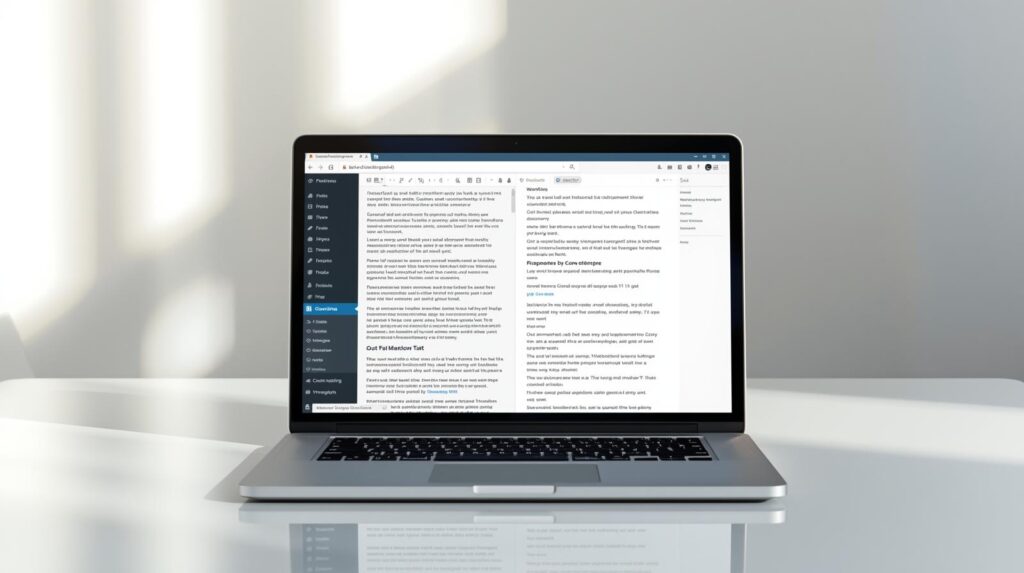
What Is Markdown
Markdown is a lightweight writing format that uses simple symbols to style text. Instead of clicking buttons for headings or bold text, you just write naturally using symbols like #, *, or –.
The best part?
Markdown stays clean, readable, and portable, even outside your website.
Many writers and developers prefer Markdown because it feels closer to plain writing—no distractions, no heavy formatting.
Why wpdelta Recommends Markdown for WordPress
Not every site needs Markdown, but for many creators, it’s a game changer.
Here’s why we recommend it at wpdelta:
- Your content becomes easy to reuse anywhere
- Posts can be saved as simple .md files
- Great for documentation and technical blogs
- Cleaner structure behind the scenes
- Perfect for future migrations or backups
If you care about long-term content ownership, Markdown is a smart move.
The Easiest Way to Add Markdown to WordPress
The good news?
You don’t need to rebuild your site or touch code.
The easiest method is using a Markdown plugin with WordPress.
Plugins handle everything—writing, converting, and publishing.
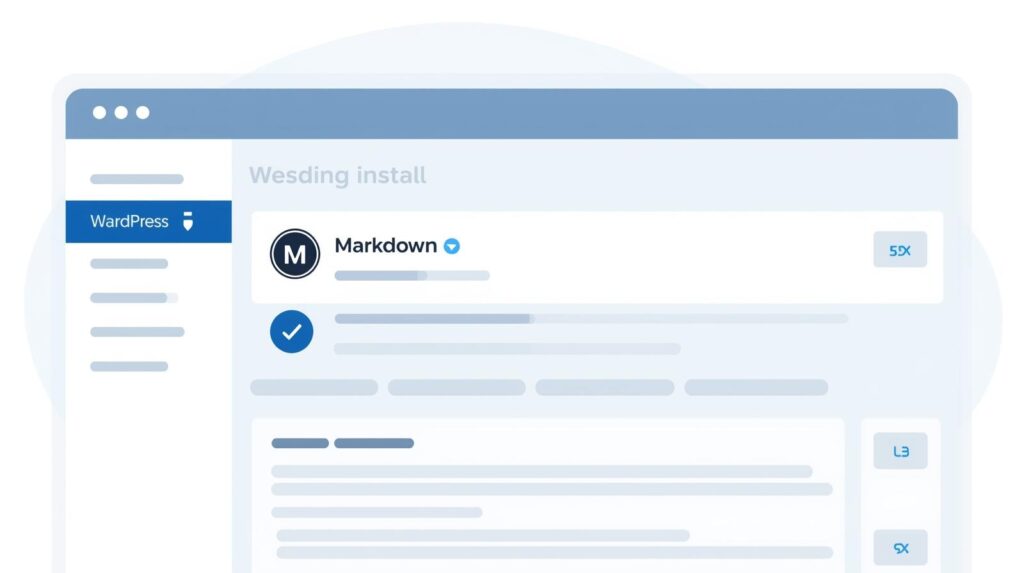
Step 1: Install a Markdown Plugin
From your WordPress dashboard:
- Go to Plugins → Add New
- Search for a Markdown plugin
- Install and activate it
Popular options include beginner-friendly editors and advanced tools for developers. 8 Must-Have Plugins for Every WordPress Website At wpdelta, we usually suggest choosing a plugin based on how simple or powerful you want your workflow to be.
Installing a Markdown plugin is the easiest way to enable Markdown in WordPress.
Step 2: Enable Markdown Writing
Once the plugin is active:
- Open its settings
- Enable Markdown support for posts or pages
- Save your changes
That’s it. Markdown is now live on your site.
Step 3: Start Writing in Markdown
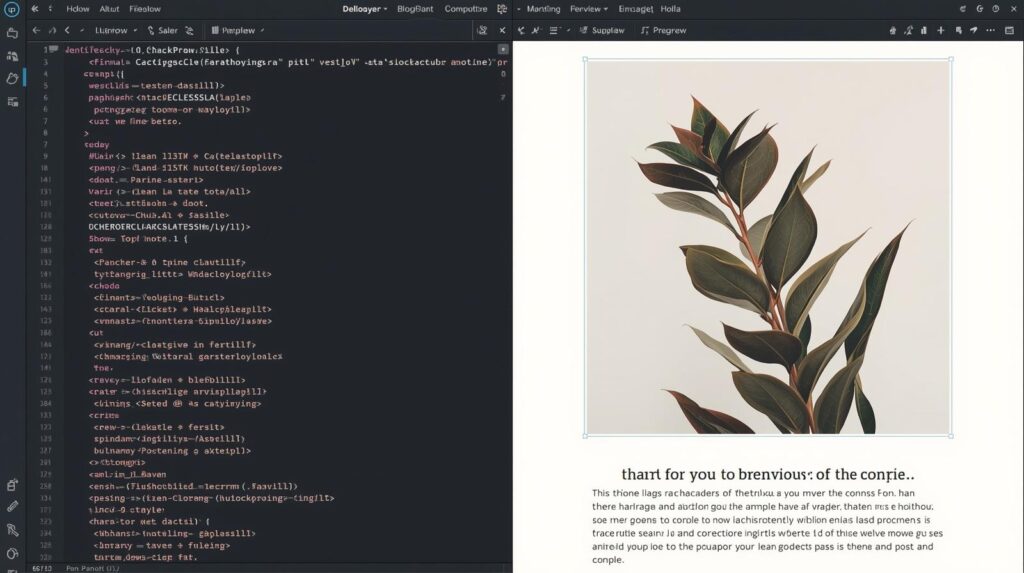
You can now write posts using simple text formatting.
Instead of clicking buttons, you just type naturally. The plugin automatically converts your Markdown into a beautifully formatted post when published.
It feels faster, cleaner, and more focused—especially for long articles.
Markdown allows fast and distraction-free content writing.
Step 4: Create a Markdown Version of Your Content
One powerful benefit is the ability to store or share your content as Markdown files.
Depending on your setup, you can:
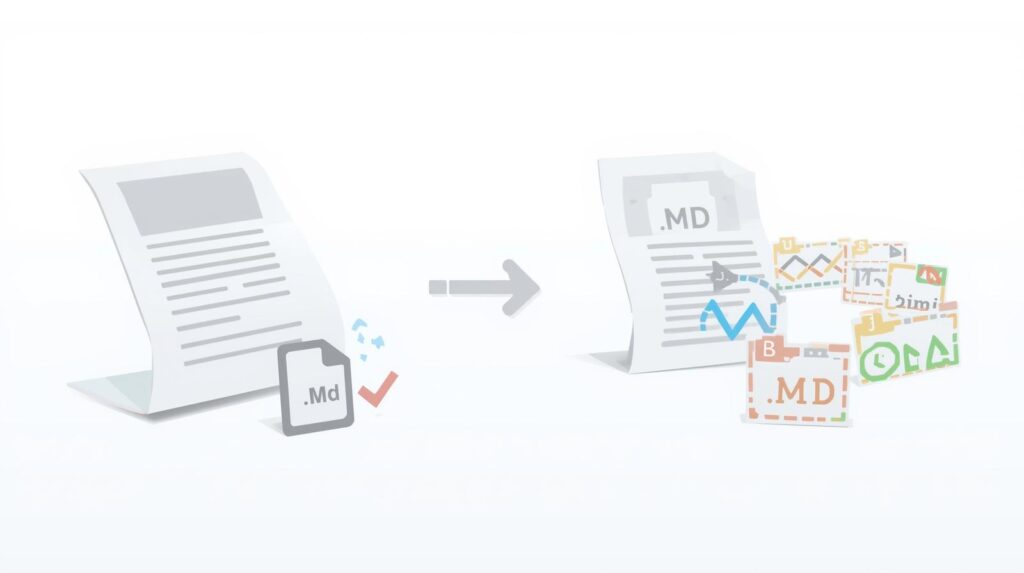
- Export posts as .md files
- Keep Markdown backups WordPress Backup Strategies: Never Lose Your Data
- Share content with developers or teams
This is extremely useful for documentation sites and long-term content storage.
What About Existing WordPress Posts?
Already published content? No worries.
Most Markdown plugins allow you to:
- Convert old posts
- Export content in Markdown format
- Reuse articles on other platforms
At wpdelta, we often recommend this for site owners planning redesigns or migrations. Migrate a WordPress Website Safely (Full Guide)
Export your WordPress posts into Markdown files for backups or reuse.
Is Markdown Safe for SEO?
Yes—completely safe.
Markdown doesn’t harm SEO because it gets converted into proper HTML before being shown to visitors or search engines.
As long as:
- Headings are structured correctly
- Links and images are clean
- Content is readable
Your rankings stay protected.
Who Should Use Markdown in WordPress?
Markdown is perfect for:
- Bloggers who love distraction-free writing 9 Content Ideas That Work Best for WordPress Blogs
- Developers and technical writers
- Documentation and tutorial websites
- Anyone planning to reuse content elsewhere
If you value simplicity and control, Markdown fits perfectly.
FAQs
What is a Markdown version of a WordPress site?
A Markdown version of a WordPress site is a text-based copy of your content written in Markdown (.md) format, making it easier to edit, store, and reuse across platforms.
Does WordPress support Markdown by default?
No, WordPress does not support Markdown natively. You need a plugin to enable Markdown editing and conversion.
Is using Markdown in WordPress good for SEO?
Yes. Markdown converts into clean HTML, which helps maintain proper structure, readability, and SEO best practices when rendered correctly.
Local SEO with WordPress : A Guide for City-Based Businesses
Can I convert existing WordPress posts into Markdown?
Yes, many Markdown plugins allow you to export or convert existing WordPress posts into .md files easily.
Which is the best Markdown plugin for WordPress?
Popular options include WP Githuber MD, Jetpack Markdown, and WP Markdown Editor. The best choice depends on whether you want basic writing or advanced developer features.
Final Thoughts from wpdelta
Adding a Markdown version of your WordPress site is one of those upgrades that feels small—but pays off long-term.
It makes your content:
- Cleaner
- Easier to manage
- Ready for the future
At wpdelta, we believe smart tools should make your workflow simpler—not harder. Markdown does exactly that. 7 Common WordPress Errors and How to Fix Them (2026 Guide)
If you’re building smarter blogs or selling digital products, this is a move worth making