

You can have great content, a beautiful design, and fast hosting — but small on-page SEO mistakes can still keep your WordPress site invisible on Google.
New to WordPress? Check our latest guide 10 Proven Ways to Speed Up Your WordPress Website in 2026
The good news? These mistakes are common, fixable, and often overlooked.
Let’s break down the 5 on-page SEO mistakes that silently hurt WordPress rankings — and how to fix them.
1. Ignoring Proper Title Tags and Meta Descriptions
Many WordPress users either leave titles auto-generated or stuff them with keywords. Both approaches confuse search engines and turn users away.
Your title tag tells Google what your page is about, while the meta description convinces people to click. When these are missing, duplicated, or poorly written, your rankings and click-through rate suffer.
Why This Matters
Your title is your first handshake with a searcher. If it’s unclear or boring, they’ll scroll past without thinking twice. Even if Google ranks your page, a weak title means no clicks — and no clicks mean lost traffic. Clear, human-written titles help both search engines and real people understand your content instantly.
Your first impression on Google starts with the right title.
2. Poor Heading Structure (H1, H2, H3 Misuse)
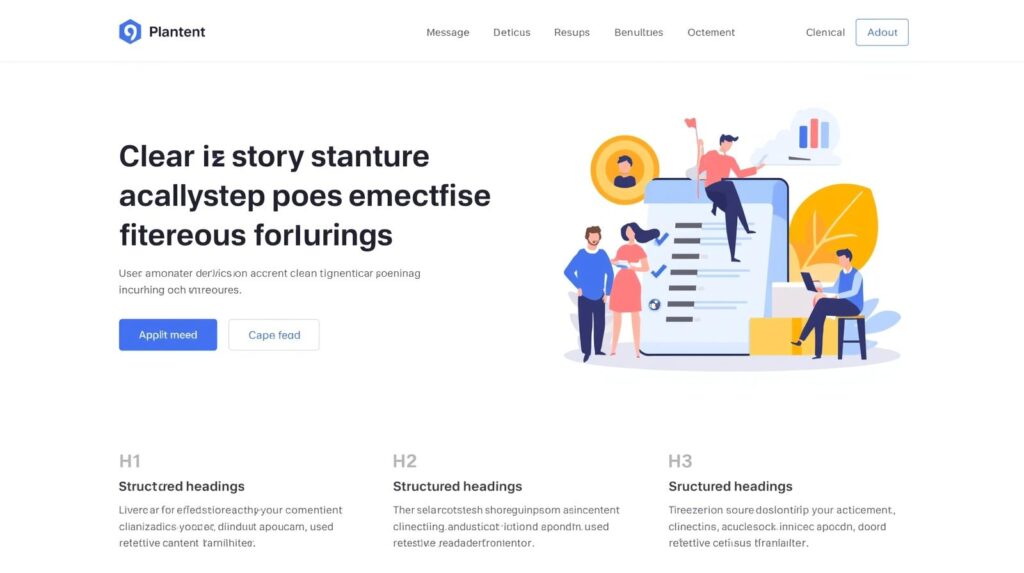
Using multiple H1s, skipping heading levels, or styling text instead of using real headings breaks content structure.
Search engines rely on headings to understand topic hierarchy. So do readers who skim before they read.
Why This Matters
Headings act like signposts. When they’re organized properly, readers stay longer and search engines understand your page better. A messy structure confuses both, leading to higher bounce rates and weaker rankings.
Clear headings guide both readers and search engines.
3. Keyword Stuffing or Targeting Too Many Keywords
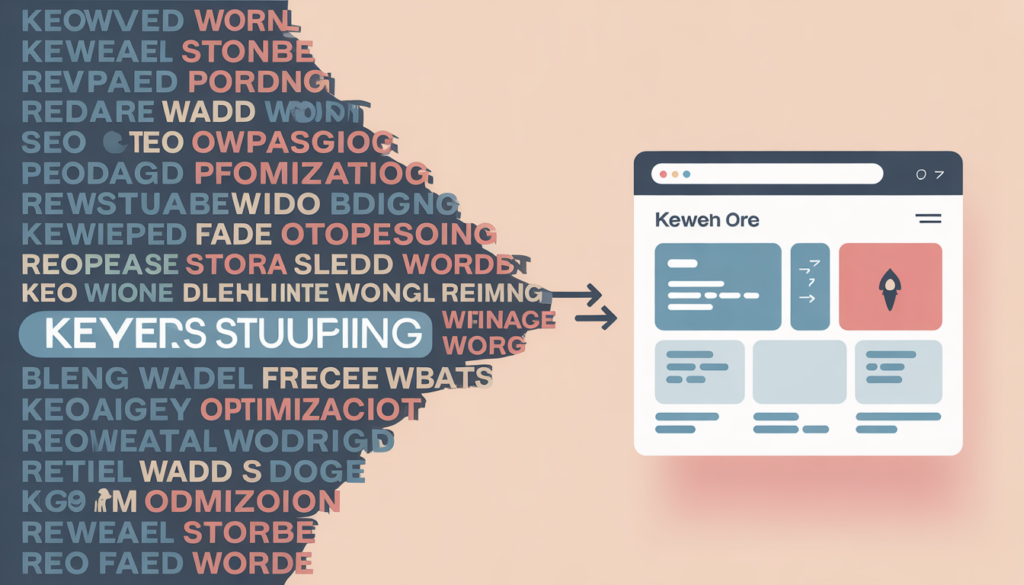
Targeting too many keywords in a single page is a common SEO mistake that hurts both rankings and user experience. When content is overloaded with repeated keywords or tries to rank for dozens of unrelated terms, it becomes unnatural, hard to read, and confusing for visitors. Search engines are smart enough to detect this behavior and often penalize such pages by lowering their visibility in search results. Instead of forcing keywords, it’s better to focus on one main keyword, support it with a few relevant secondary terms, and write naturally for humans first. Clear, valuable, and well-structured content always performs better than keyword-heavy text.
Trying to rank for everything often results in ranking for nothing. Keyword stuffing makes content unnatural and unreadable.
Modern SEO is about search intent, not repetition.
Why This Matters
People don’t read content written for algorithms — they read content written for humans. When your page feels forced or repetitive, visitors leave quickly. Google notices that behavior and pushes your page down. One clear topic always beats ten forced keywords.
Write for humans first—Google will follow.
4. Ignoring Internal Linking
Ignoring internal linking is a missed SEO opportunity that can limit a website’s growth and visibility. Internal links help search engines understand the structure of your site, discover new pages, and determine which content is most important. Without proper internal linking, valuable pages may remain hidden, receive less authority, and struggle to rank in search results. For users, a lack of internal links means fewer pathways to explore related content, leading to poor navigation and higher bounce rates. A smart internal linking strategy connects relevant pages naturally, improves user experience, and strengthens overall SEO performance.
For city-based businesses read this Local SEO with WordPress : A Guide for City-Based Businesses
Many WordPress sites publish great content but forget to connect it internally.
Internal links help:
- Users discover more content
- Search engines crawl your site
- Authority flow between pages
Why This Matters
Internal links are like guided paths for visitors. Without them, users hit dead ends and leave. With them, they explore more — and that tells Google your site is valuable. It’s one of the easiest SEO wins most sites ignore.
Smart internal links keep users engaged longer.

5. Slow Pages and Unoptimized Media
Few things frustrate users more than a slow-loading website. When pages take too long to load because of heavy images, oversized videos, or unoptimized media files, visitors quickly lose patience and leave. This doesn’t just hurt engagement—it also sends negative signals to search engines, which favor fast and smooth browsing experiences. Slow pages are often pushed down in search results, especially on mobile devices where speed matters most. By optimizing images, compressing media files, using lazy loading, and keeping pages lightweight, you create a faster, more enjoyable experience that keeps users engaged and helps your site perform better in SEO.
Heavy images, uncompressed files, and unnecessary scripts slow down your pages — especially on mobile.
Page speed is a confirmed Google ranking factor.
A slow WordPress website doesn’t just frustrate users—it hurts SEO, conversions, and credibility.Common WordPress Mistakes That Hurt Website Performance
Why This Matters
Slow websites feel frustrating. People don’t wait — they bounce. Every extra second costs traffic, trust, and rankings. A fast WordPress site keeps users engaged and signals quality to search engines.
Faster pages lead to better rankings and happier users.
FAQs
What is on-page SEO in WordPress?
On-page SEO refers to optimizing individual pages—titles, headings, content, internal links, and media—to improve search rankings and user experience.
Can small SEO mistakes really hurt rankings?
Yes. Even minor issues like duplicate titles or missing internal links can prevent your site from ranking, especially in competitive niches.
How many keywords should I target per page?
Focus on one main keyword and a few related terms. Trying to target too many keywords weakens content clarity.
Do meta descriptions affect rankings?
They don’t directly affect rankings, but they strongly influence click-through rate—which impacts SEO performance.
Can WPDelta fix on-page SEO issues?
Yes. WPDelta audits and optimizes WordPress sites to fix on-page SEO issues that block rankings.
Final Thoughts
On-page SEO isn’t about tricks or hacks. It’s about clarity, structure, and user experience.
Fixing these five mistakes can dramatically improve your WordPress rankings — without publishing more content.
At WPDelta, we focus on SEO that works for humans first and search engines second.
WordPress is powerful—but most users only scratch the surface.7 Hidden WordPress Features Most Users Don’t Know (2026 Guide)